Writing a blog is one thing, publishing it is another.
Be yourself; Everyone else is already taken.
— Oscar Wilde.
I hope this will help all of us remember how to publish a blog.
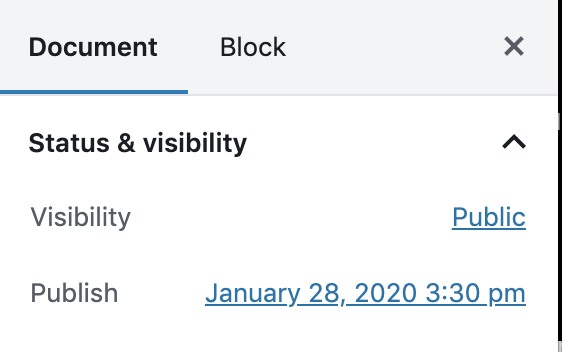
- Make sure visibility is set to public and the publish date and time is appropriate. This can be found on the right side of your blog page.
- Select the “Update” button at the upper right of the page. Update is the equivalent of “publish.”

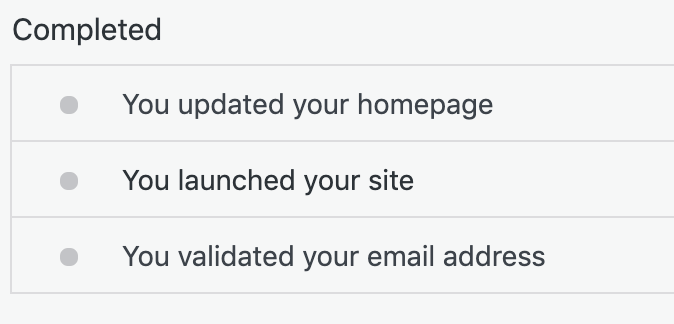
- Did you launch your site? Click the back arrow on the upper-left of the screen and select “My Home.” There you will see a list of completed tasks, make sure “You launched your site” is on the list. If it isn’t, get that site launched!
- Let me know if you have any questions! Email to kay.beckermann@mnstate.edu.
 Dr B's Blog